Send a moment from anywhere.
Choose photos or videos in the FotoCube app and send them to the frame. Invite family and friends to contribute, so the display keeps up with life as it happens.


Send family photos and videos to a display that gives them a place at home. New moments can arrive from the people you invite, even when they are far away.
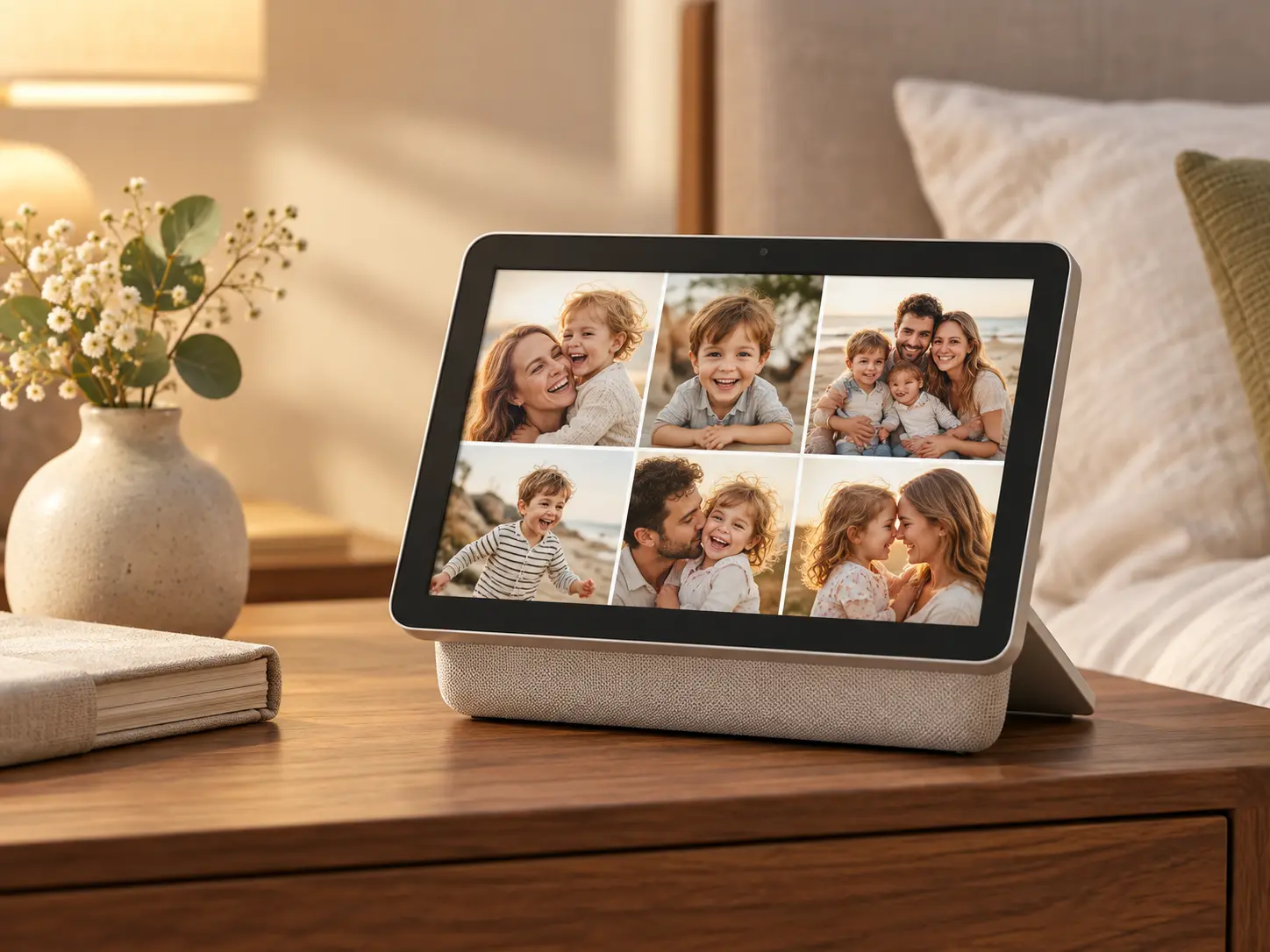
Frame gives family photos a home and lets the people you care about add to it.
Choose photos or videos in the FotoCube app and send them to the frame. Invite family and friends to contribute, so the display keeps up with life as it happens.

Browse albums or enjoy a slideshow and screensaver. The frame turns everyday photos into something everyone at home can see.

Try AI photo styles for a different look. Optional Zola AI plans add more creations and cloud photo backup with remote album management.
Cloud photo backup and additional AI creations require a paid Zola AI plan.

Frame focuses on photos and videos. Choose Calendar or Calendar Pro when you also want shared schedules, tasks and meals on the display.
Shared schedules, chores, meals and family photos.
Explore Calendar ↗Everything in Calendar, plus device-side voice, messages and themes.
Explore Calendar Pro ↗Photos, videos and memories shared with family.
You are viewing this productZola AI is a separate service plan. Device features and AI availability vary by model and software version. See Zola AI plans ↗
Frame is the photo and video focused product. Calendar and Calendar Pro include schedules, tasks and meal planning.
Yes. Invite family and friends to share photos with the frame through supported app sharing.
No subscription is required to send and display photos. Cloud photo backup, remote album management and higher AI photo creation limits are part of paid Zola AI plans.
Yes. The FotoCube app supports sending videos to the frame, with limits shown in the app.
Explore the FotoCube lineup and the Zola AI photo options.