Shop Now
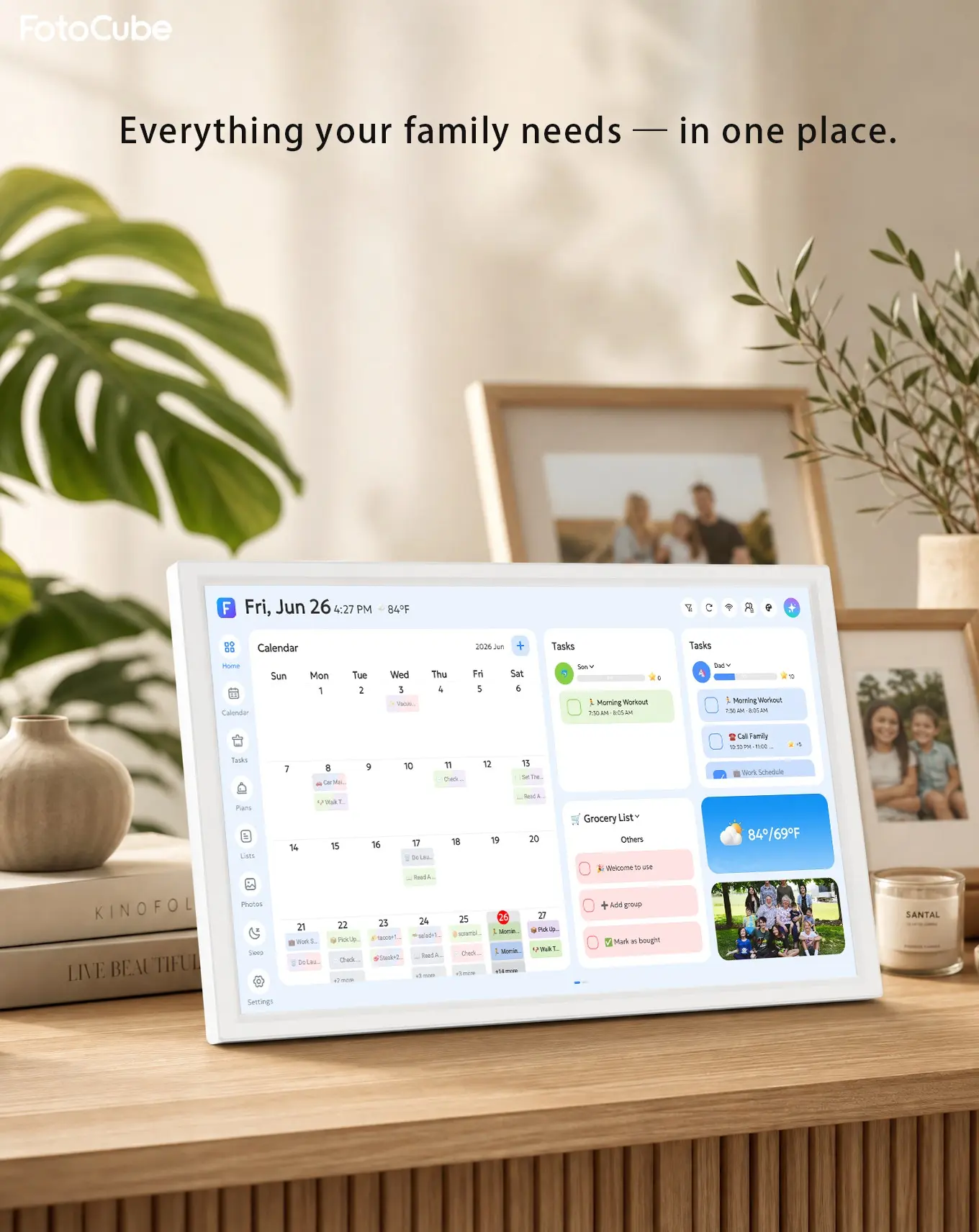
FotoCube Calendar displayed on a console in a family home
FotoCube Calendar

A family calendar everyone can follow.

School mornings, appointments, chores and dinner plans have a place the whole family can see. FotoCube Calendar makes the day easier to follow at home.

Plans that belong in the room
FotoCube CalendarShared calendarsTasks and routinesMeals and photos
Made for the moments at home

The day makes more sense when everyone can see it.

Bring the practical parts of family life onto one display, with an app for changes on the go.

01 / Calendar

Know what the week looks like.

Switch between day, week and month views. Bring in the calendars you already use, then give everyone at home a shared view of what is coming up.

Day, week and monthGoogle, iCloud and OutlookImport other calendars

Connection methods and refresh timing vary by calendar service.
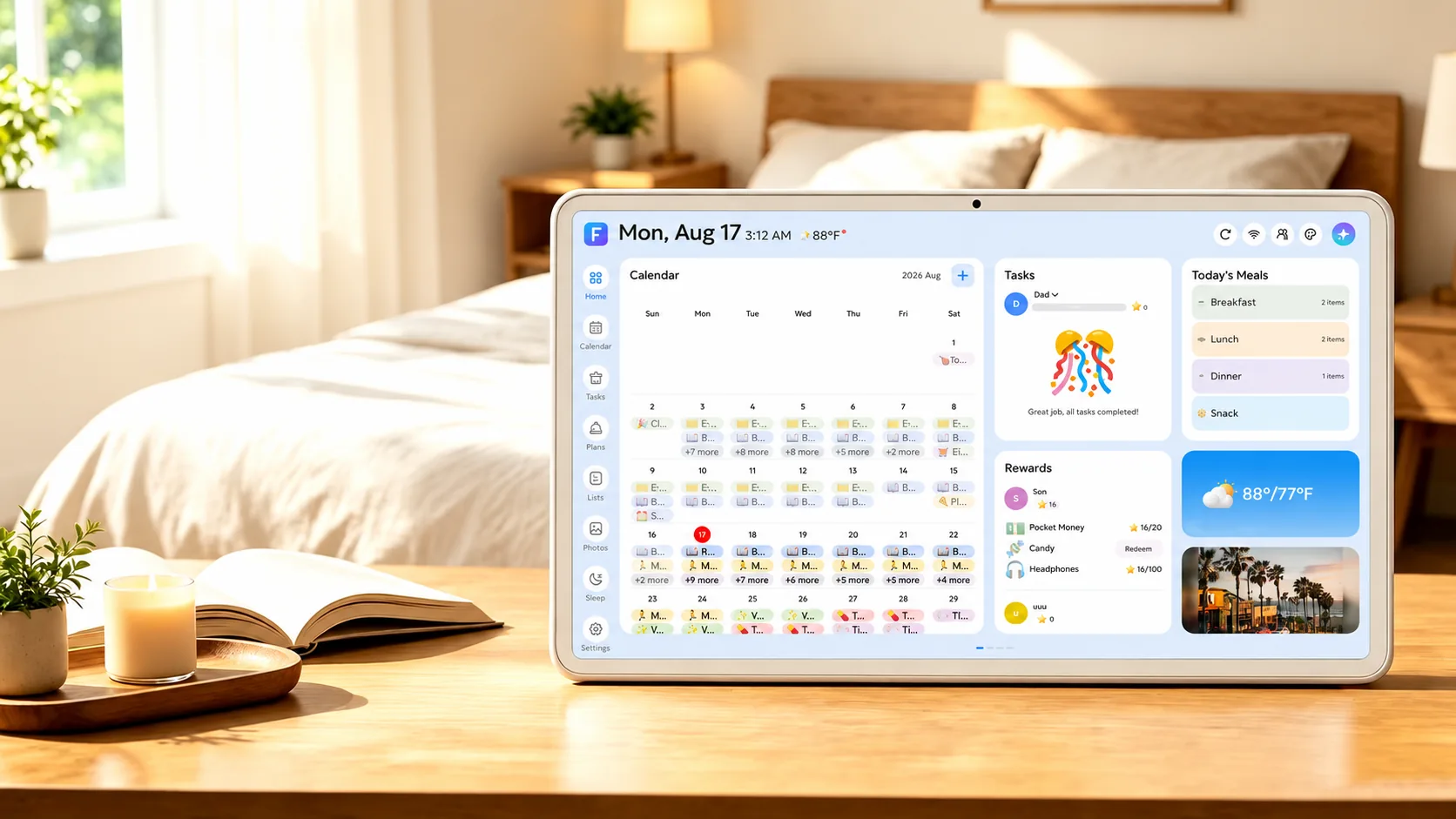
FotoCube displaying a family calendar in a bright room
02 / Tasks

Give everyone a part in the plan.

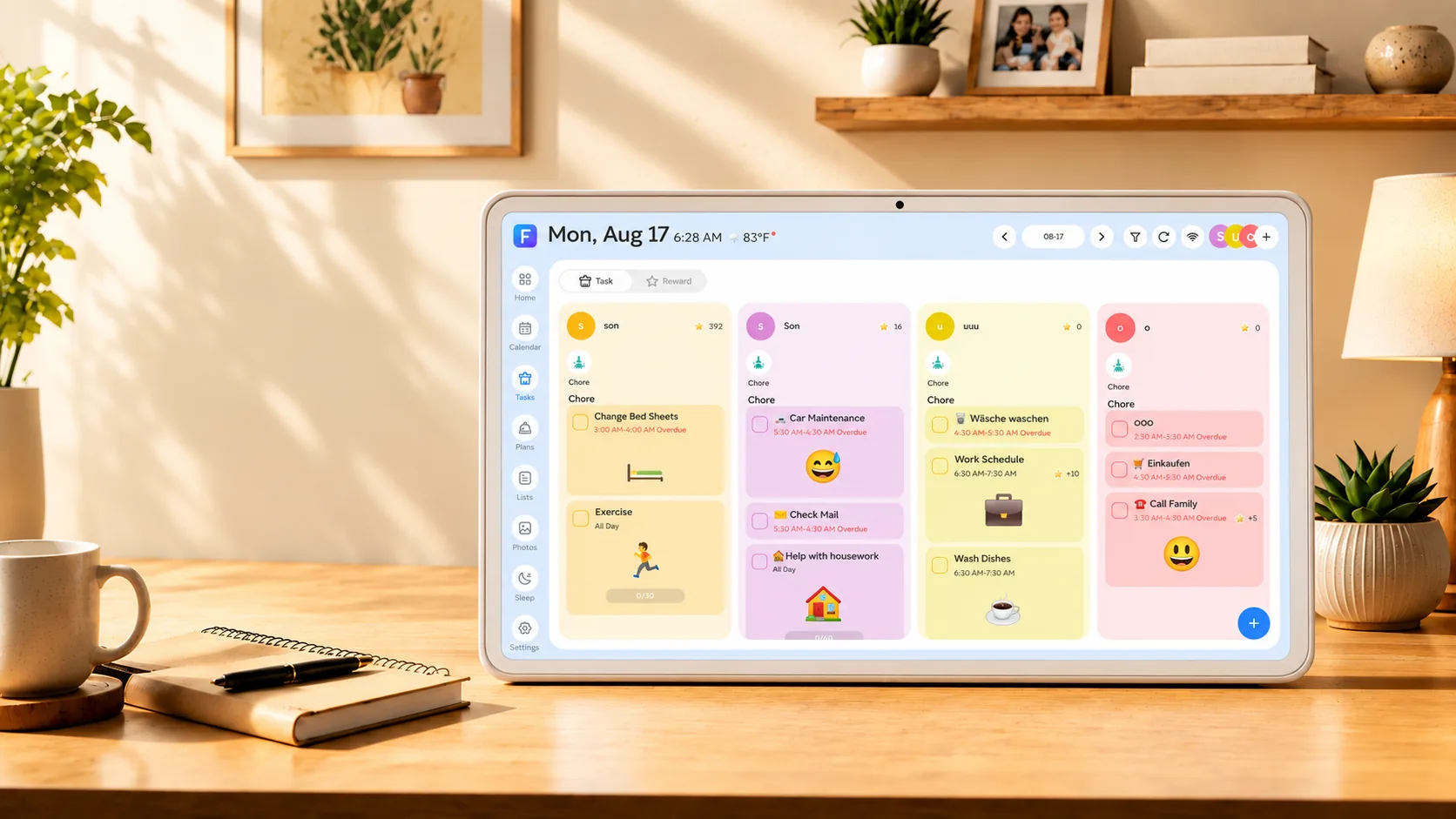
Put chores, recurring tasks and shared lists where they are easy to find. Stars and rewards help children see their progress without another reminder.

Chores and routinesShared listsStars and rewards
FotoCube showing shared chores and star rewards on a family task board
03 / Meals and memories

Make room for dinner and the good moments.

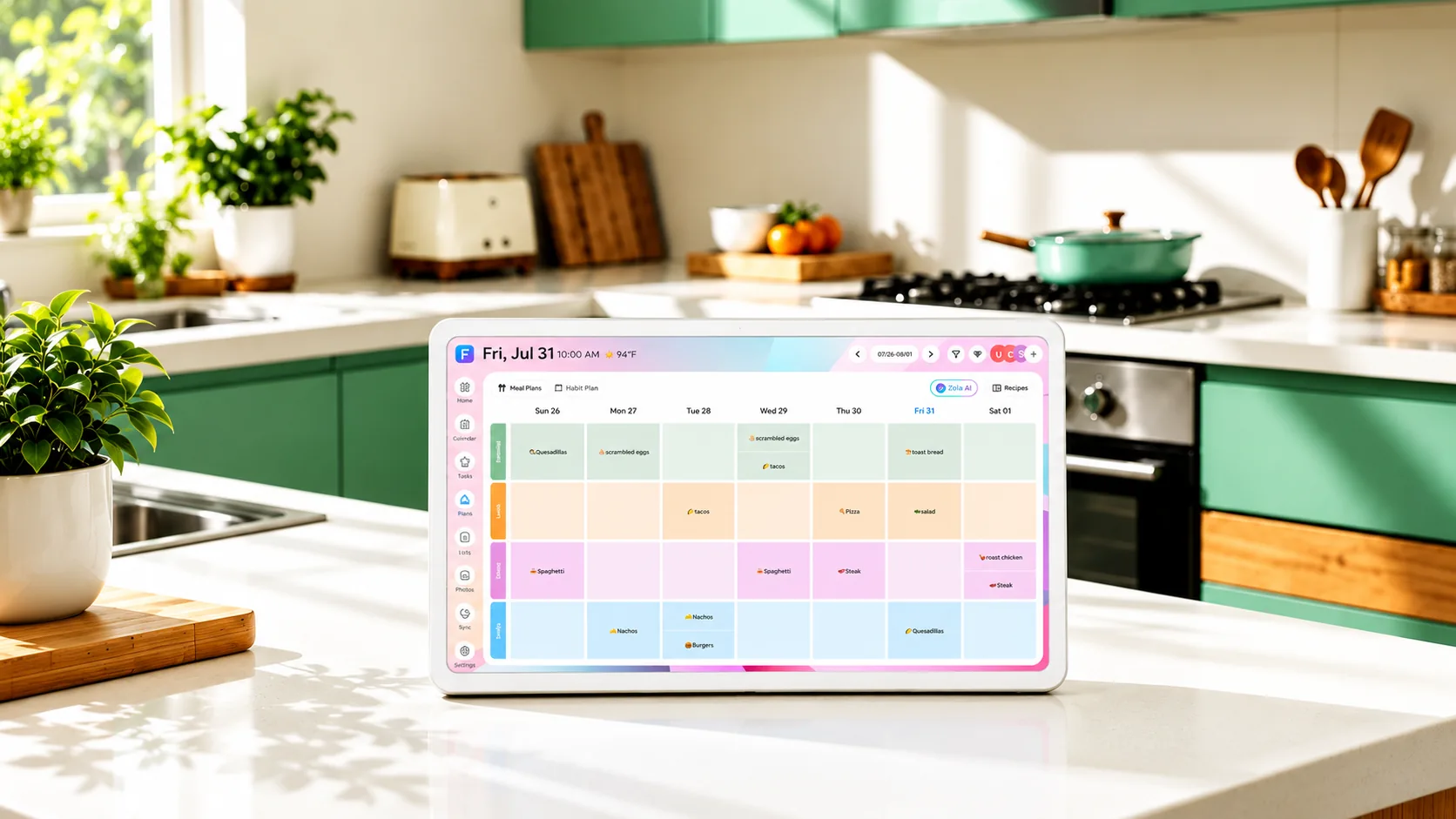
Plan meals for the week, keep recipes close and let family photos take over the screen when it is time to slow down.

Meal planningRecipesFamily photos

Selected AI recipe and photo tools depend on the subscription plan.

FotoCube showing a weekly meal plan on a kitchen counter
The everyday essentials

Keep the family day moving.

Calendar brings together the plans people need to act on, with a display at home and controls in the app and Web Calendar.

On the displaySee events, tasks, meal plans and photos throughout the day.
In the appAdd plans and photos, manage family members and adjust things while away.
With Zola AITry selected voice, meal and photo tools for free. Paid plans add more usage and cloud photo backup.
The FotoCube family

Find the right display for your home.

Current page

FotoCube Calendar

Shared schedules, chores, meals and family photos.

You are viewing this product
Explore

FotoCube Calendar Pro

Everything in Calendar, plus device-side voice, messages and themes.

Explore Calendar Pro ↗
Explore

FotoCube Frame

Photos, videos and memories shared with family.

Explore Frame ↗

Zola AI is a separate service plan. Device features and AI availability vary by model and software version. See Zola AI plans ↗

Good to know

Questions about Calendar.

Can I use my existing calendar?

Yes. Google, iCloud and Outlook are supported, and other calendars can be brought in through subscriptions. Sync methods and timing vary by service.

Does Calendar require a subscription?

Core calendar, tasks, meal planning and photo features do not require a Zola AI subscription. Some AI and cloud services have paid limits.

Can I manage plans away from the screen?

Yes. Use the FotoCube app or Web Calendar for supported calendar, task and list management.

What does Calendar Pro add?

Calendar Pro adds supported device-side AI voice controls, a message board and additional themes. It includes Calendar's core family features.

FotoCube Calendar

Let the whole family see the day ahead.

Compare the lineup to find the FotoCube experience that fits your home.

Compare products